
Installing Sift
Sift is on its way.
The download has started (about 560 MB). Here’s what happens next.
Needs a Mac with Apple silicon (M1 or newer) and macOS 15 or newer.
Download didn’t start? Download it again · Get Sift for Windows · Try it in your browser
A few short setup emails during your trial. Unsubscribe any time. Privacy
Open the download
When it finishes, open Sift (the .dmg file) from your Downloads folder. In Safari, click the download arrow at the top right.
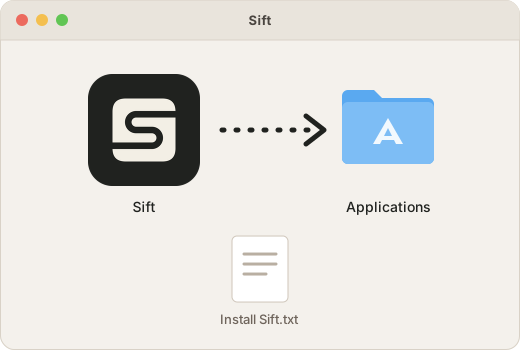
Drag Sift to Applications
In the window that opens, drag the Sift icon onto the Applications folder.
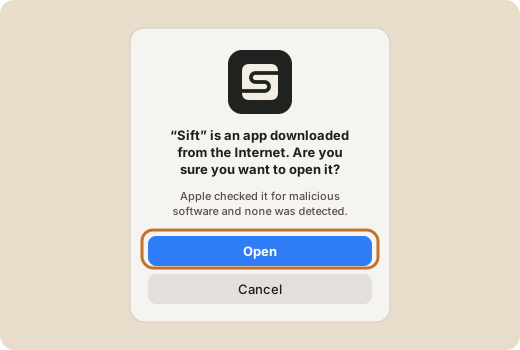
Open Sift
Open Applications and double-click Sift. The first time, your Mac asks if you’re sure you want to open an app from the internet: click Open.
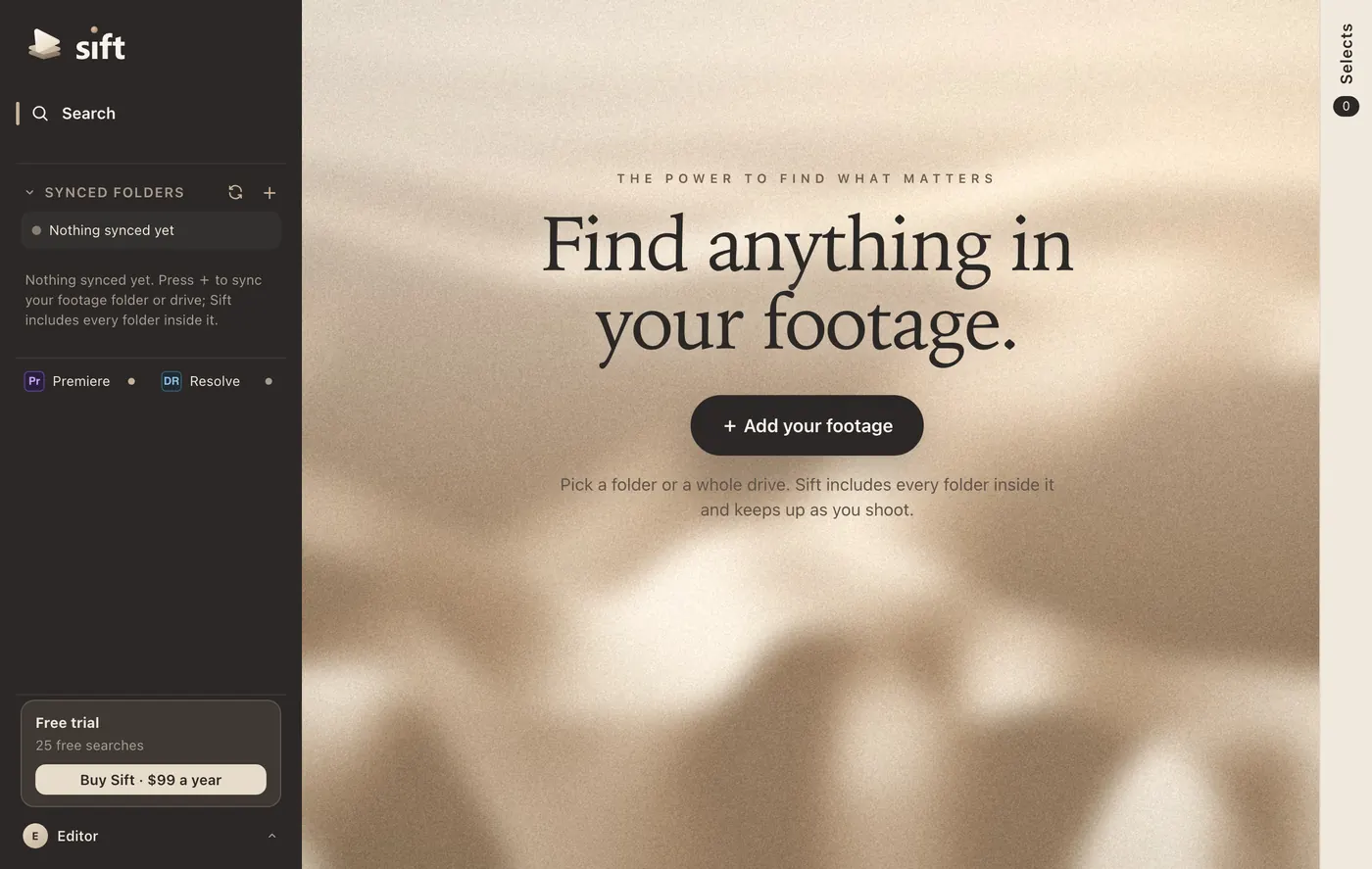
Add your footage
Click Add your footage and pick a folder or a whole drive. Sift prepares it on your Mac. Your 3 free days start when the first footage is ready to search, so preparing it never uses your trial.
Prefer to watch?
How to Find a Clip When You Don’t Know the Filename · 4:14 · Watch on YouTube
Stuck? Email support@siftclips.com and we’ll help.